When you go to a FORM from a QUERY, you can Next/Previous thru the rows that were IN CONTEXT in the Query.
Usually, the NEXT/PREV arrows are in the Upper Right panel toolbox.
I moved them. The pic shows them in the Top Panel Toolbar.
Problem:
The 1st image shows the way they display "normally".

The 2nd image shows what happens when I'm on the FIRST row in the Context. It totally REMOVES the PREV button, causing the other buttons to slide left.
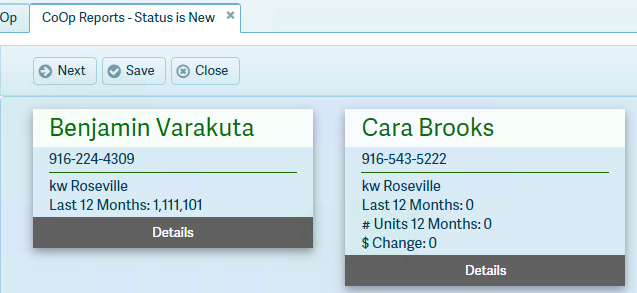
I'd rather it Dimmed/Disabled (css: k-state-disabled) the PREV button so the position of the buttons doesn't float around. It gets really annoying.
Is there some way to keep the icon in its place, but disabled?
thx
jaymer...
